

How it was made
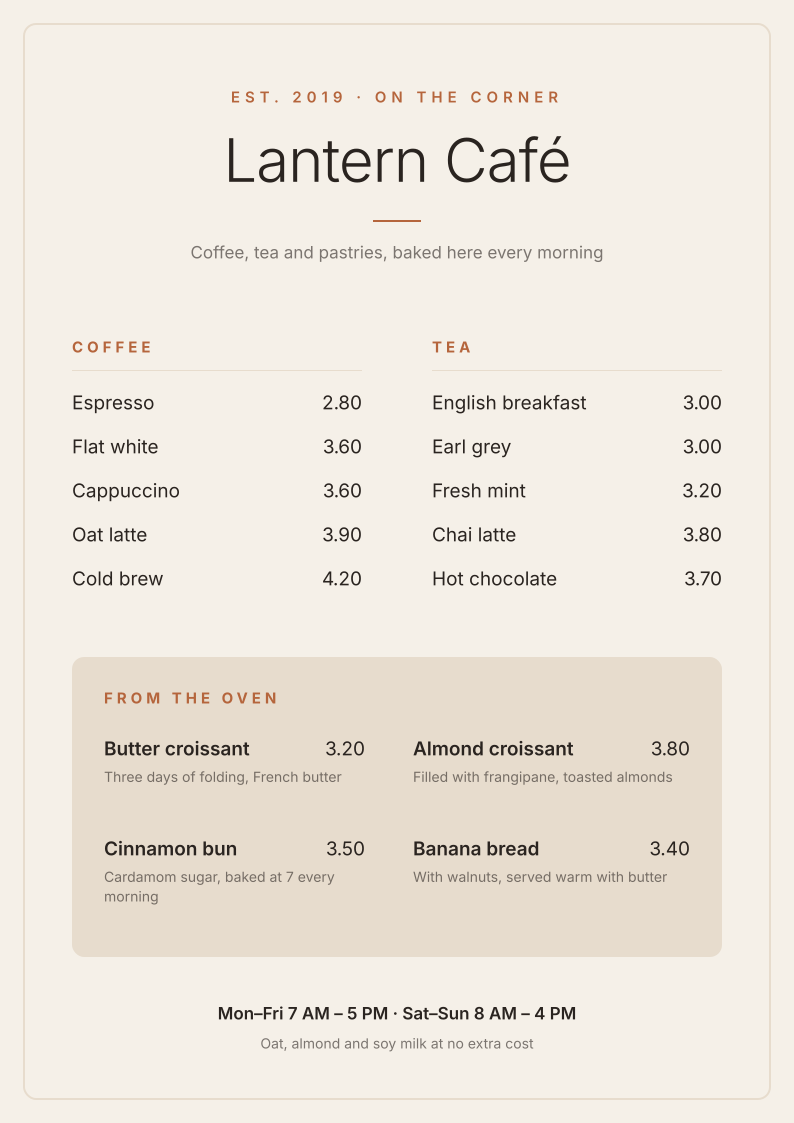
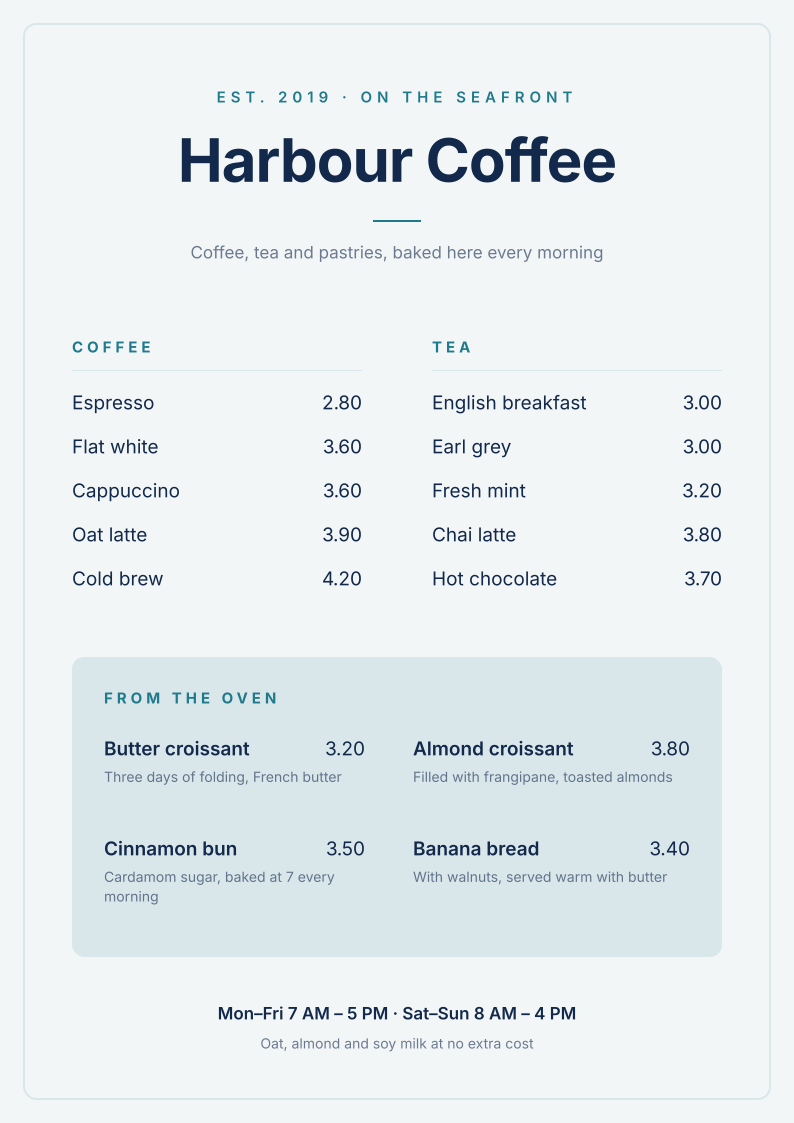
The agent gave vDesign the two cafés’ guidelines as text, one colour to a line. vDesign’s code, not the model, read the exact values and proposed which colour plays which role, marking each guess for review. The agent added what code cannot know: who the brand is, how it speaks, the words it never uses, and the rules a design is held to. Then it linked the menu to Lantern Café, which turned every colour on the menu into a role, and switched it to Harbour Coffee.
The switch changed six lines, the role values, and nothing else:
$primary = #1F7A8C
$background = #F2F6F7
$text = #13294B
$on-primary = #F2F6F7
$surface = #D9E6EA
$muted = #50617A
Every heading, rule and panel already said fill=primary or fill=surface, so they all
followed. The café’s name is copy, not brand, so that one line was retyped.
A brand is a file too
A brand is a .vd document of its own kind, readable by people and by any model. Here is
Harbour Coffee’s:
version 5
kind brand
title "Harbour Coffee"
brand harbour-coffee@1
  summary "A bright seaside coffee bar."

$foam = #F2F6F7
$deep = #13294B
$sea = #1F7A8C
$mist = #D9E6EA
$slate = #50617A

role primary light=sea
role background light=foam
role text light=deep
role on-primary light=foam
role surface light=mist
role muted light=slate

rule reads must "Text reads at 4.5:1 on the background" check=contrast fg=text bg=background min=4.5
rule no-gradients must "No gradients" check=no-gradient

guide voice
  "Breezy, short and friendly."
  banned "artisanal"
  banned "curated"
What it does for every design after
- Designs start on brand. An assistant reads the brand’s short brief first and names roles,
fill=primary, rather than writing colours out. - Drift is caught. A colour the brand does not have, text that fails its contrast rule, or a banned word shows up in the design’s problems, with the nearest role to use instead.
- Switching is one step. “Re-skin this deck in Harbour Coffee” swaps the roles, fonts and logo, and it is one undo.
- It travels. A design keeps a copy of its brand, so it opens on any machine, and an update to the brand is offered, never applied without asking.
- It exports. As design tokens (DTCG) for developers, and as a Markdown brief for any model.
Download vDesign for Mac or Windows and make a brand from your website, or ask your assistant over MCP to make one from your guidelines.